At least at first, it should be totally adequate to follow along with the slides I’m sharing on the screen. But I know people like to have all the materials!
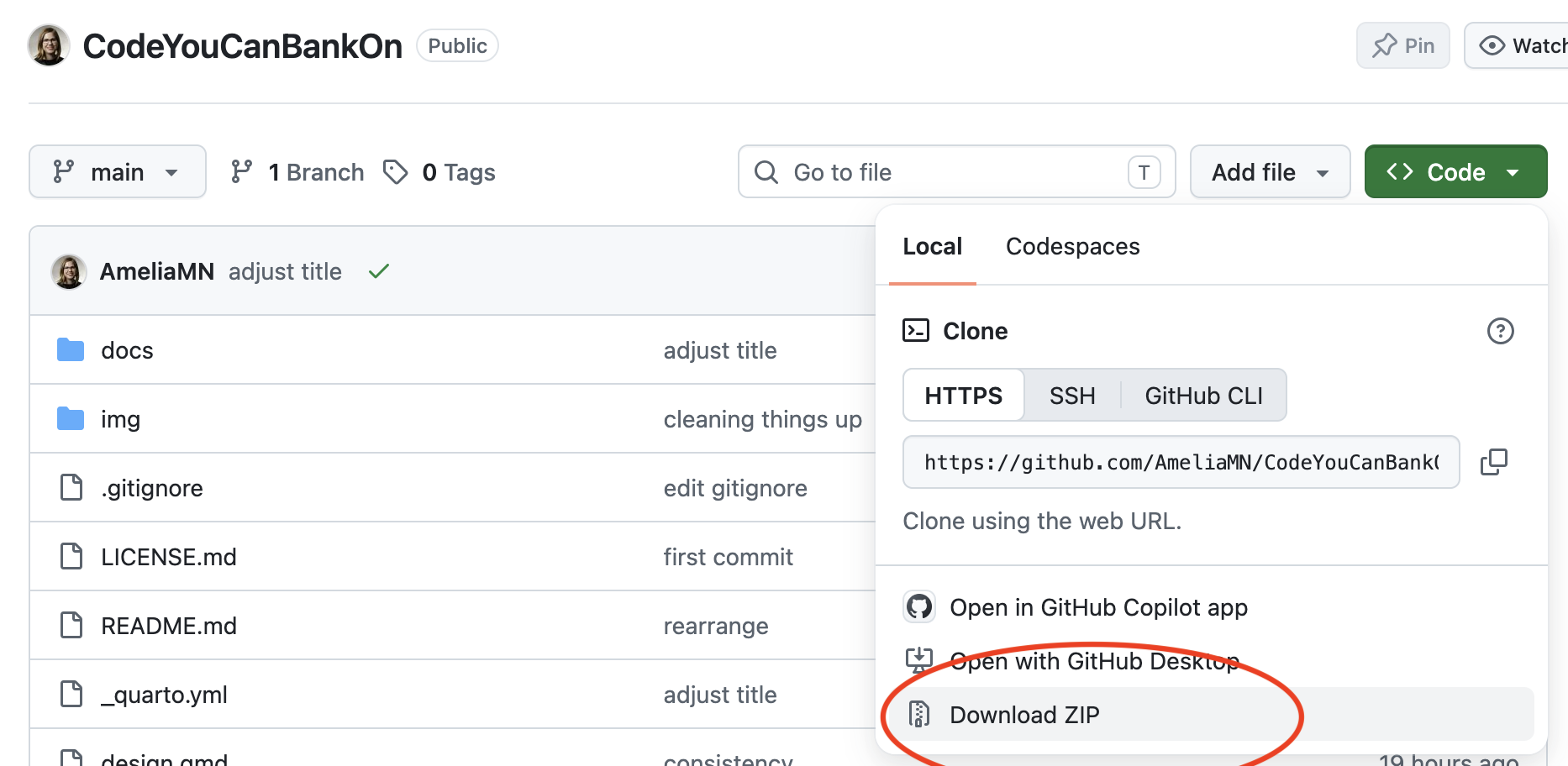
If you are a git/GitHub user, you can fork and clone this repo. /
If you’re not, you can download everything as a zip file
About me
I’m an Associate Professor of data science at the University of St. Thomas, and a proud R-lady. I’ve taught a ton of workshops like this over the years, from Software Carpentry to rstudio::conf to NICAR and everything in between.
The materials you’ll be seeing from me have been modified from a number of sources, including:
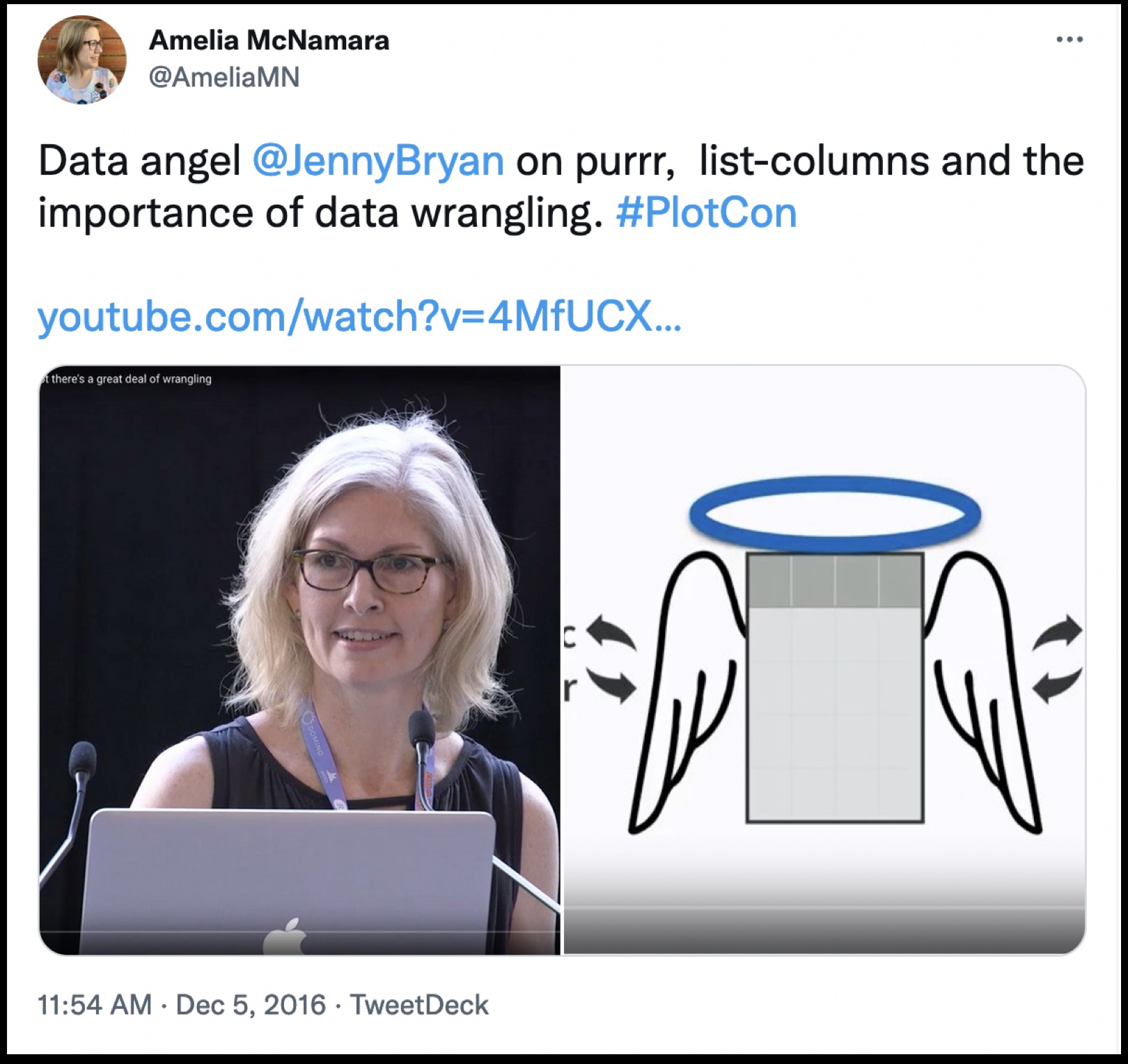
R packages book, by Hadley Wickham and Jenny Bryan.
… and likely many more things that I will reference throughout.
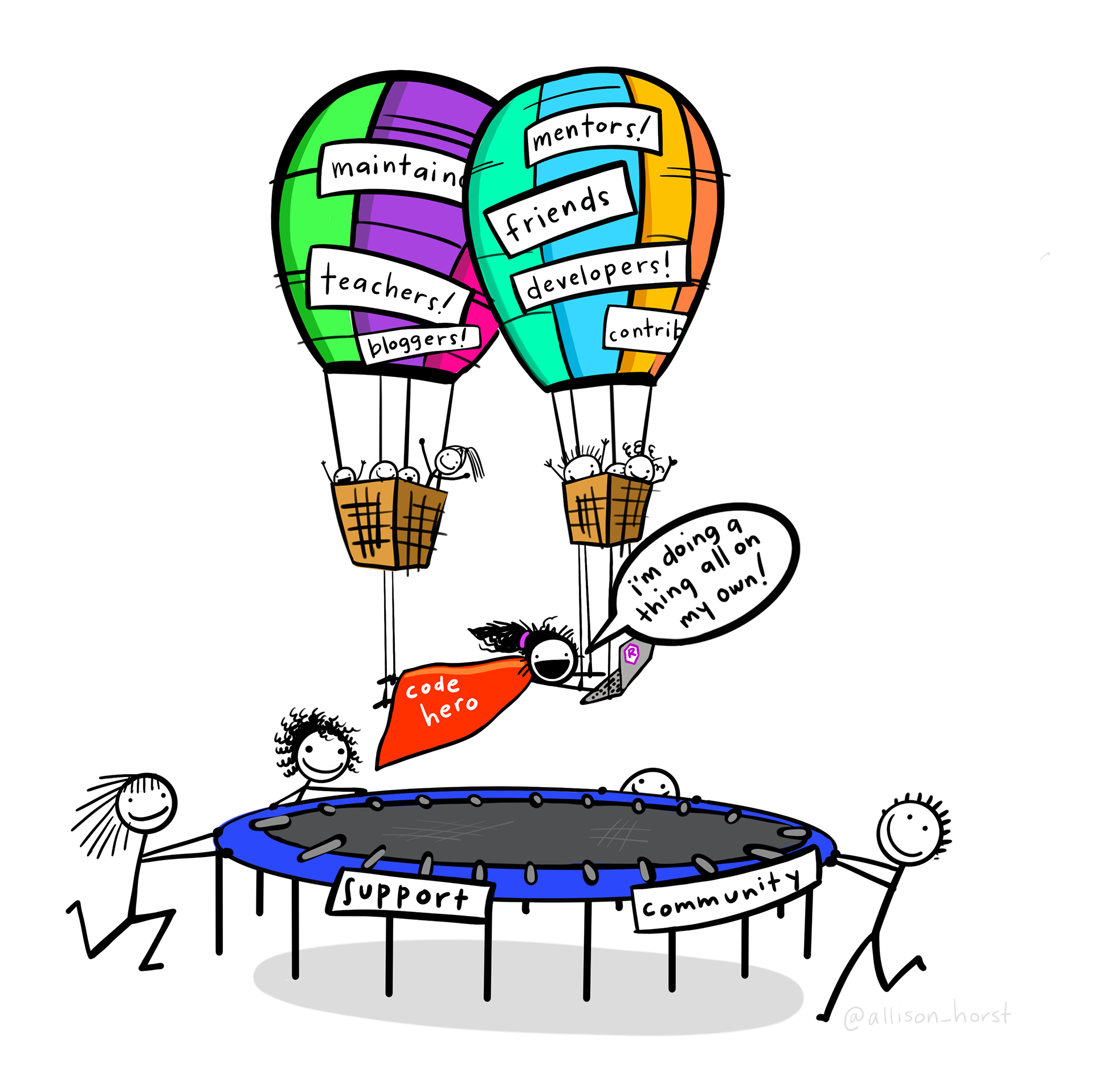
One huge feature of the R community is that everyone is so generous with their time, expertise, and materials. Almost everything (including this workshop!) is Creative Commons licensed, so others can remix and reuse as they see fit.
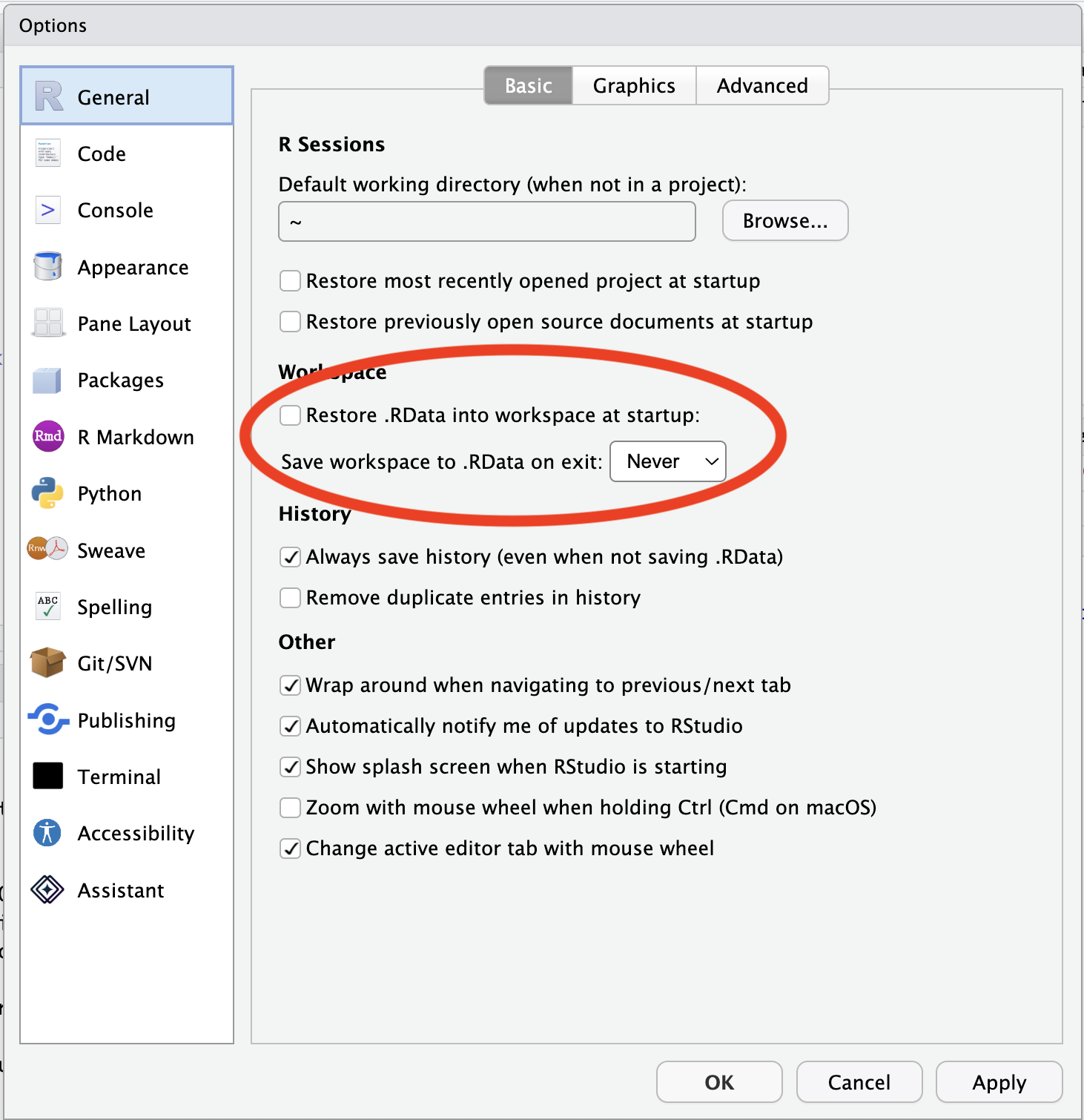
Restore .RData into workspace at startup: unchecked
Save workspace to .RData on exit: Never
Relative paths
Files should be stored in folders (also called directories) in some intelligible way, and any references to files should be “relative” rather than “absolute” paths. e.g.,
One way to avoid absolute file paths is to use RStudio Projects. Projects are basically directories (folders) that RStudio maintains a bit more information about.
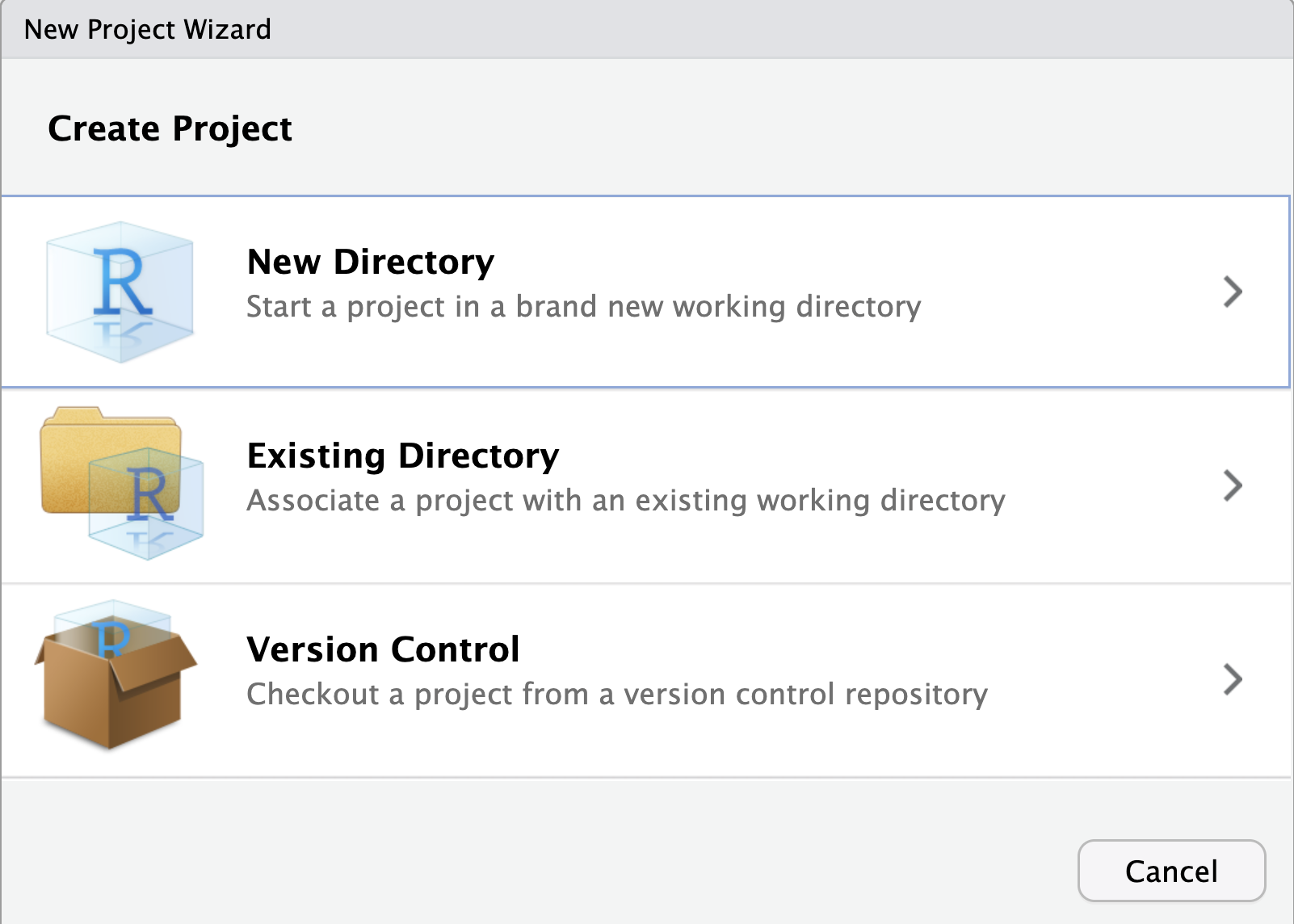
To make a project, go to File -> New Project. You can either make a project out of an existing directory, or RStudio will create the directory for you if you’re starting from scratch!
(if you haven’t already downloaded the materials, you could make a New Project from Version Control!)
File organization
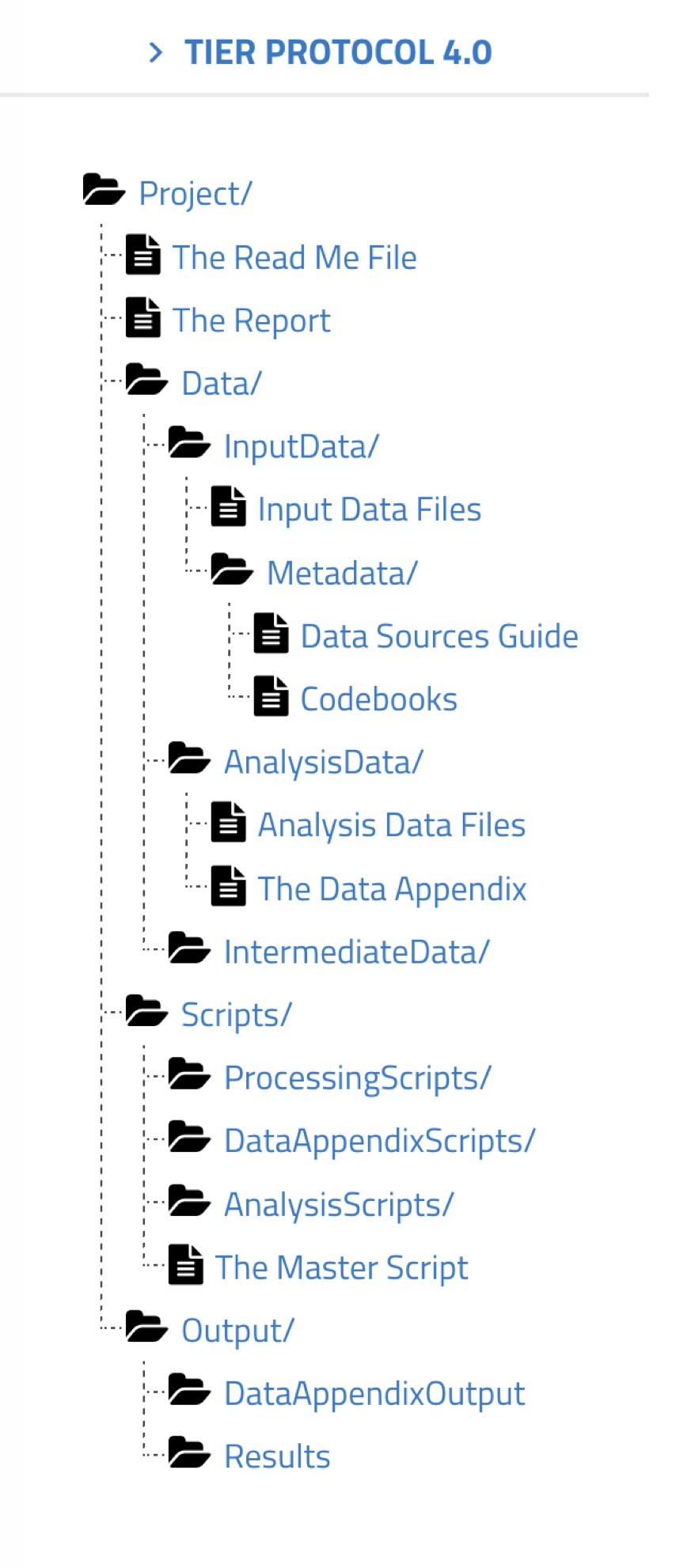
The TIER Protocol is one suggested organizational method
Project/
The Read Me File
The Report
Data/
InputData/
Input Data Files
Metadata/
Data Sources Guide
Codebooks
AnalysisData/
Analysis Data Files
The Data Appendix
IntermediateData/
Scripts/
ProcessingScripts/
DataAppendixScripts/
AnalysisScripts/
The Master Script
Output/
DataAppendixOutput
Results
Naming things
You need to name your files. Names should strive to be:
There used to be several competing style guides for R code style, but many (most?) people have coalesced around the tidyverse style guide. Some organizations have modifications of the guide, like Google’s R style guide.
Tidyverse style uses snake_case rather than CamelCase.
Generally, variable names should be nouns and function names should be verbs. Strive for names that are concise and meaningful (this is not easy!).
Setting up for development
Set up your .Rprofile
The usethis package allows you to add default information about you that will be used in package development.
We’d rather not be using the API every time we want to play with this data, so let’s save it as a local CSV.
readr::write_csv(tomatoes, "tomatoes.csv")
Read the data back in (your turn)
When I save out data, I always do a quick test to make sure I did it right!
tomatoes2 <- readr::read_csv("tomatoes.csv")
Looks good!
Make a plot (your turn)
Let’s do some quick EDA. What does the tomato price data look like?
Getting a little more data (your turn)
I’d also like data on the average price of bacon (sliced), and iceberg lettuce. Can you find those API endpoints and grab the data for the past ten years on them?
Save the datasets as .csv files so we can access them without hitting the API again.